
 ChatGPT
 Claude
 Perplexity
 Gemini
 Grok
Grok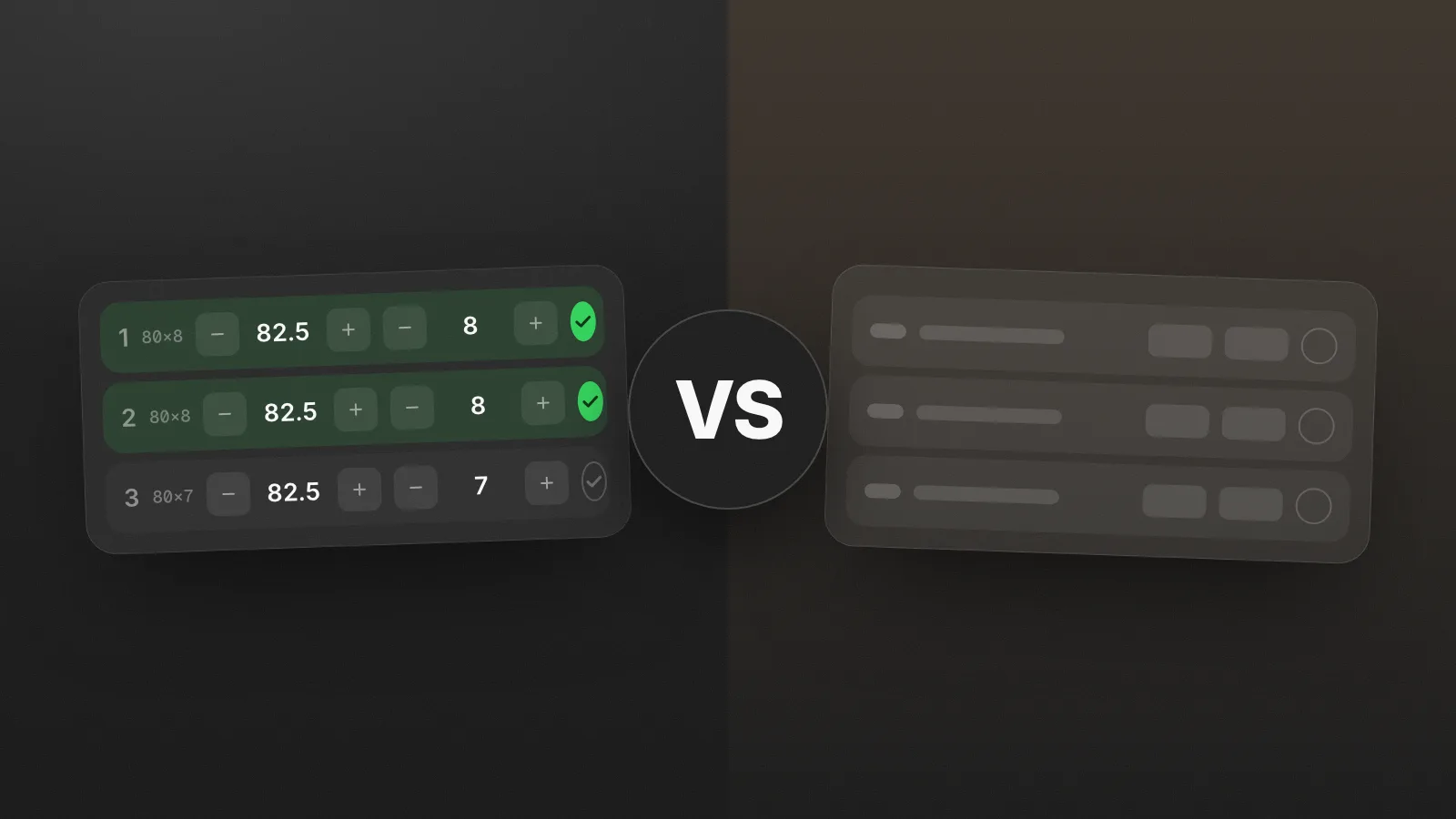
Strong has been logging workouts since before most tracking apps existed. It's plain, reliable, and it earned its reputation by doing one thing well: recording sets without ceremony. If you've searched for a lifting app on iPhone in the last decade, you've seen it.
Gymmy plays in the same category, the no-nonsense training log, which is exactly why the comparison is worth making properly. The two apps agree on a lot, and where they part ways says a lot about which one is for you.
Where the two apps agree
Both Strong and Gymmy believe a workout app should be a log, not a coach. No workout feeds, no gamified badges every ten minutes, no "AI program of the day". You come in with your own training, the app records it. That shared philosophy already puts both of them on the short list for self-directed lifters.
Where Strong shows its strengths
- Track record. Strong has been around for many years, and stability is a feature. Its interface is familiar to a whole generation of lifters.
- Utility details. Things like the plate calculator and warm-up helpers are appreciated by its users.
- Watch support, if logging from your wrist matters to you. Gymmy has no watch app.
Where the generations differ
Strong was designed in an era when a workout app was a digital notebook with charts. Gymmy starts from the same notebook idea, then asks what an iPhone can do for it in the iOS 17 era:
- The lock screen works for you. Your workout and your rest timer live as Live Activities: current exercise, set count, time remaining, visible and adjustable without unlocking. The timer starts itself when you validate a set.
- The workout adapts in place. Machine taken? The flip card puts a replacement on the back of the exercise card, with separate histories, and flips back if the machine frees up.
- Volume counts itself, precisely. Sets per muscle per week across 17 muscles, with the primary/secondary weighting handled for you and an anatomical heatmap to spot neglected muscles.
- Records are computed, not just stored. Every set updates an estimated 1RM (the Epley formula), and a new record announces itself mid-workout with a haptic tap.
- And the Drop. Mark the peak of a Spotify track once, and Gymmy times it to land on your heavy set. Nobody else does that, Strong included.
Pricing: caps on structure vs caps on workouts
Strong's free tier is a real free tier, but it caps structure: at the time of writing, the number of routines you can keep is limited until you go Pro, which also unlocks the deeper features.
Gymmy caps only one thing: workouts. Your first 10 are free (plus a one-time bonus of 5), with every feature included from day one. After that, Gymmy Infinite unlocks unlimited workouts, billed monthly, yearly, or once for life. Stop paying, and your whole history remains viewable forever.
Two reasonable models. The question is what you'd rather hit: a wall on how you organize, or a wall on how many workouts you've logged while testing.
What Gymmy honestly doesn't have
- iPhone only, iOS 17+: no Android, no web app.
- No watch app.
- No plate calculator or warm-up calculator.
- A shorter track record: Gymmy is the young one here, and we know it.
So, which one?
Pick Strong if you want the proven veteran, watch logging matters to you, or you're attached to its classic utilities.
Pick Gymmy if you want the same no-coach philosophy executed with today's iOS: lock screen timers, one-tap logging with your last numbers in sight, self-counting volume, and a pricing model that never holds features hostage.
The honest close: both apps respect your training. One respects it with ten years of habit, the other with a fresh set of ideas. If you're still comparing, our Hevy comparison and our guide to choosing a tracker complete the picture.
Frequently asked questions
Is the Strong app still free?
Yes, Strong keeps a functional free tier. At the time of writing, it limits the number of routines you can save, and the deeper features require Strong Pro. If you run one or two fixed programs, the free version can carry you a long way.
How many free workouts do you get in Gymmy?
Your first 10 workouts are free, with no credit card required. Every feature is included from the start; the only thing the paid tier changes is how many workouts you can log. If you stop paying later, your existing history stays viewable.
Can a rest timer show on the iPhone lock screen?
Yes. Since iOS 16.1, apps can use Live Activities to display a live countdown on the lock screen and in the Dynamic Island. For a rest timer, that means you can check the remaining time and adjust it without unlocking your phone between sets.
Do I need a plate calculator at the gym?
It is a convenience, not a necessity. The math is simple: subtract the bar weight from your target, divide by two, and load that per side. It helps most with awkward targets like 77.5 kg, or late in a workout when you are tired. Strong includes one; plenty of lifters just do it in their head.

The author
Nicolas Pancin - Creator of Gymmy
Lifter and independent developer. I built Gymmy to log my own workouts, after years of doing it in the Notes app. I write here about self-directed training, tracking progress, and the design choices behind the app.
Follow on TikTok