
 ChatGPT
 Claude
 Perplexity
 Gemini
 Grok
Grok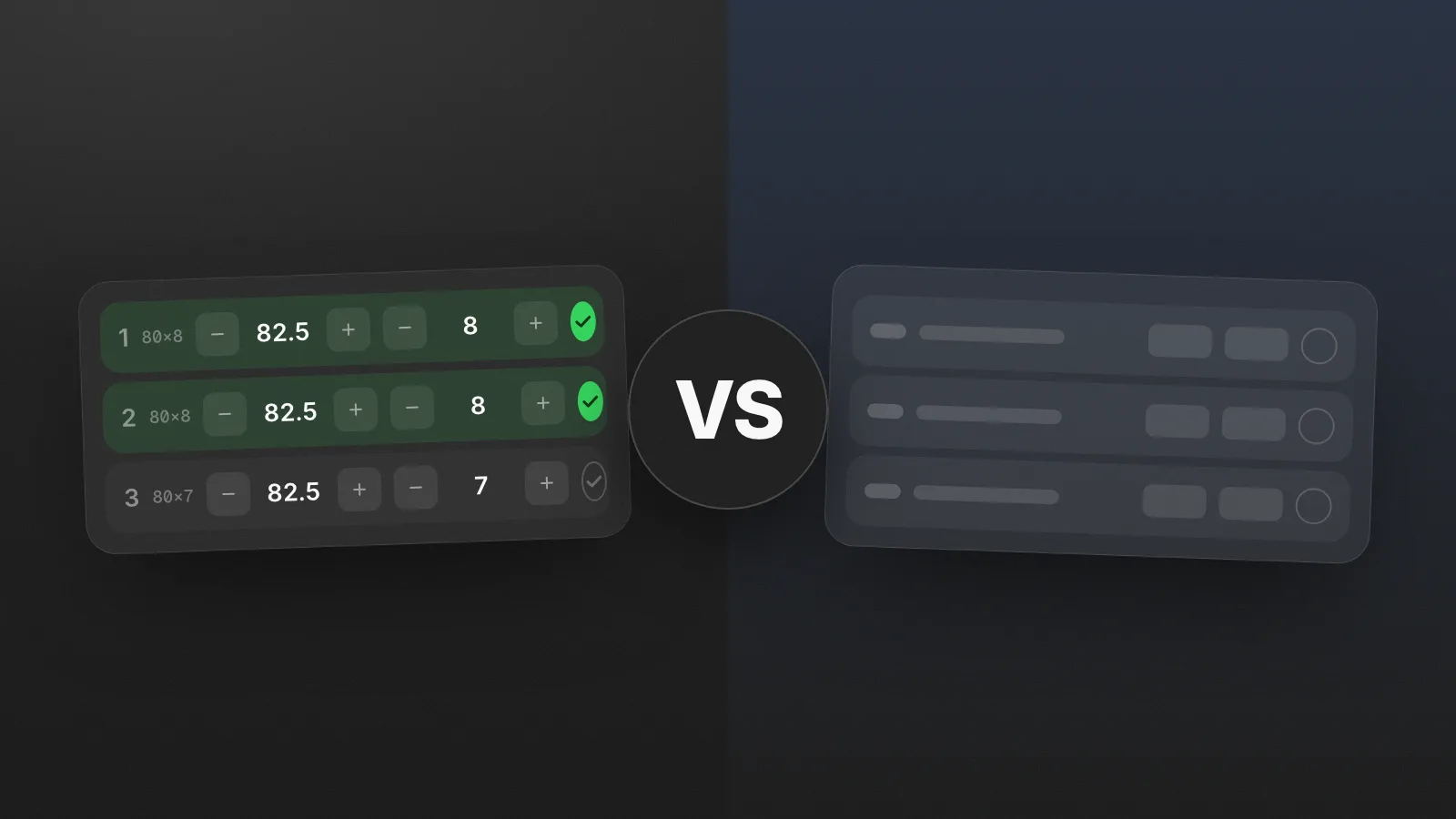
Let's get one thing out of the way: Hevy is a good app. It's polished, actively developed, and millions of lifters use it happily. If we thought copying it was the way, we would have copied it. We built Gymmy because we wanted something with a different philosophy, and that difference is exactly what this comparison is about.
So this is not a takedown. It's an honest look at what each app assumes about you, because that assumption decides which one you'll still be using in six months.
The core difference: catalog first vs log first
Hevy is built around its exercise library. You pick exercises from a large catalog with illustrations, assemble routines, and log against them. It's a complete system: exercise database, routine builder, progress charts, and a social feed where you can follow friends and share finished workouts.
Gymmy is built around the act of logging. The library starts empty, and your exercises are yours. Start typing and the classics come pre-filled with muscles and equipment, or create anything from scratch. There is no feed, no likes, and no program suggestions. The app's job is to make the seconds between sets frictionless, and to turn your logging into progression data automatically.
Neither approach is wrong. They're for different people.
Where Hevy is strong
- The ecosystem is broad: iOS and Android, a web app, and watch support. If you train with an Android phone, the conversation ends here, since Gymmy is iPhone only.
- The social layer: if sharing workouts with friends and browsing their training motivates you, Hevy made it a first-class feature.
- The exercise library: large, illustrated, and comfortable if you like picking from a catalog rather than naming things yourself.
Where Gymmy takes a different route
- Logging speed as the top priority. Weight and reps on a number pad, one-tap duplication of the previous set, your last workout's numbers in grey right where you type, and a rest timer that starts itself when you validate a set.
- Real-life workout handling. When the machine you need is taken, the flip card swaps the exercise while keeping both histories separate. Small thing, every week.
- Volume that counts itself. Sets per muscle per week, with primary muscles counted fully and secondaries at half, warm-ups excluded, on a 17-muscle anatomical heatmap.
- Music, of all things. The Spotify Drop launches your track so its peak lands on your heavy set. No other tracker does this.
The pricing philosophies are opposites
This part matters more than any feature list.
Hevy uses a classic freemium model: the app is free, and Hevy Pro unlocks the advanced layer. At the time of writing, the free tier caps things like the number of routines, and deeper statistics live behind the subscription. Totally standard, nothing wrong with it.
Gymmy inverts it: every feature is free for everyone. The Drop, the stats, the heatmap, routine sharing, media, all of it. The only thing you pay for is how many workouts you log. Your first 10 are free (plus a one-time bonus of 5), then Gymmy Infinite unlocks unlimited workouts, billed monthly, yearly, or once for life. Stop paying, and your entire history stays viewable forever.
The practical difference is that with Gymmy you evaluate the full app during your free workouts, not a limited version of it.
What Gymmy honestly doesn't have
- No Android version and no web app: iPhone only, iOS 17 and up.
- No watch app.
- No social feed, by design rather than by omission.
- No exercise illustrations or coaching content: Gymmy assumes you know your movements.
If any of those is a dealbreaker, Hevy is the better pick for you today, and that's fine.
So, which one?
Pick Hevy if you want a cross-platform ecosystem, you enjoy the social side of training, or you like building from a large illustrated catalog.
Pick Gymmy if you're a self-directed lifter on iPhone, you already know how you train, and you want the fastest possible log with progression tracking that builds itself, where nothing you care about sits behind a feature paywall.
The best tracker is not the one with the longest feature list. It's the one you'll still be filling in on the last set of a hard workout, six months from now.
If you're still weighing options, we also compared Gymmy with Strong, and wrote a broader guide to choosing a workout tracker.
Frequently asked questions
Is Hevy free or do you need Hevy Pro?
Hevy has a real free tier that covers everyday logging. At the time of writing, the free version caps things like the number of routines you can keep, and some advanced statistics require the Hevy Pro subscription. If your program fits within those limits, you can use it for free indefinitely.
Does Gymmy work on Android?
No. Gymmy is iPhone only and requires iOS 17 or later, with no Android version and no web app. If you use an Android phone or expect to switch to one, Hevy is the better choice since it runs on both platforms.
Is a social feed actually useful in a workout app?
It depends on what motivates you. If accountability from friends gets you to the gym, seeing their workouts genuinely helps, and Hevy built that well. If you train alone and treat logging as a private tool, a feed is just extra interface between you and your numbers.
Can you log a workout without creating a routine first?
In most modern trackers, yes. You can start an empty workout and add exercises as you go. Routines just speed up the ones you repeat by pre-loading the exercise list. If your training changes week to week, freestyle logging is a perfectly valid way to use a tracker.

The author
Nicolas Pancin - Creator of Gymmy
Lifter and independent developer. I built Gymmy to log my own workouts, after years of doing it in the Notes app. I write here about self-directed training, tracking progress, and the design choices behind the app.
Follow on TikTok